How to Recharge UPPCL Prepaid Smart Meter Online
Uttar Pradesh Power Corporation Limited (UPPCL) is rapidly replacing old analog meters with modern Prepaid Smart Meters across the state. While smart meters eliminate the hassle of physical meter readers and incorrect bills, managing them requires a bit of digital know-how.
If your house has just been upgraded to a prepaid meter, here is the complete guide on how to check your balance, track your daily consumption, and recharge your meter online before the lights go out.
The Quick Answer
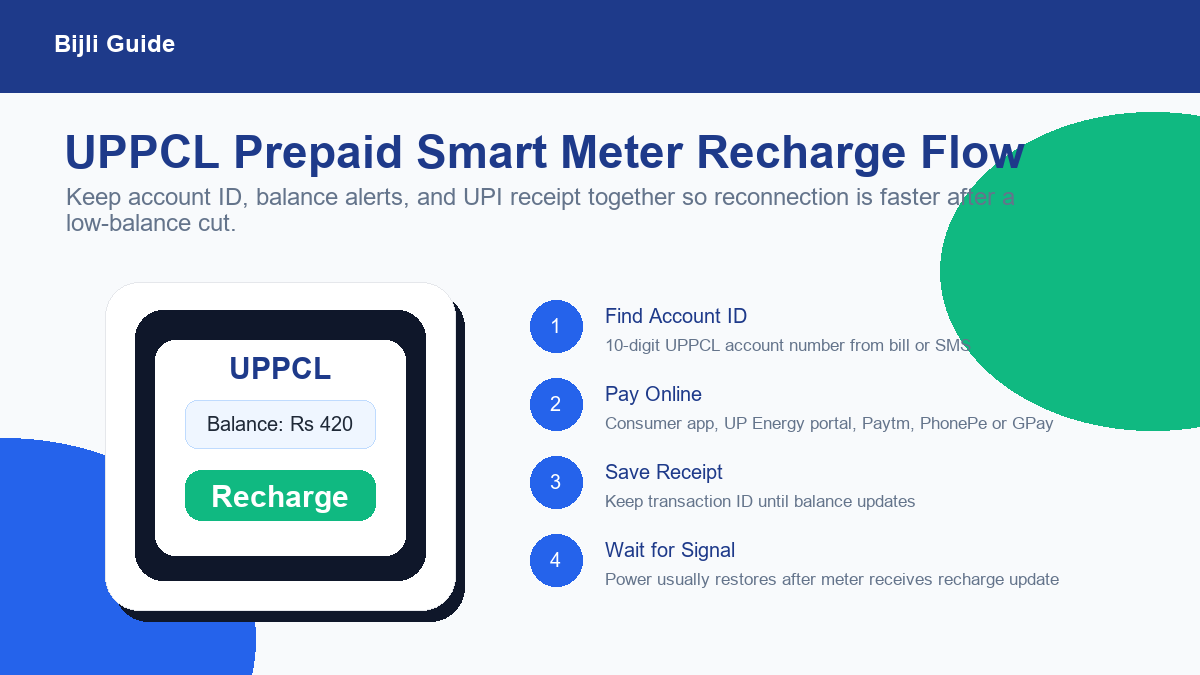
You can recharge your UPPCL prepaid meter instantly via the UPPCL Consumer App, the official UP Energy Website, or directly through UPI apps like Paytm, PhonePe, or Google Pay by selecting "Electricity" and entering your 10-digit Account ID.
Recharge before the balance reaches zero
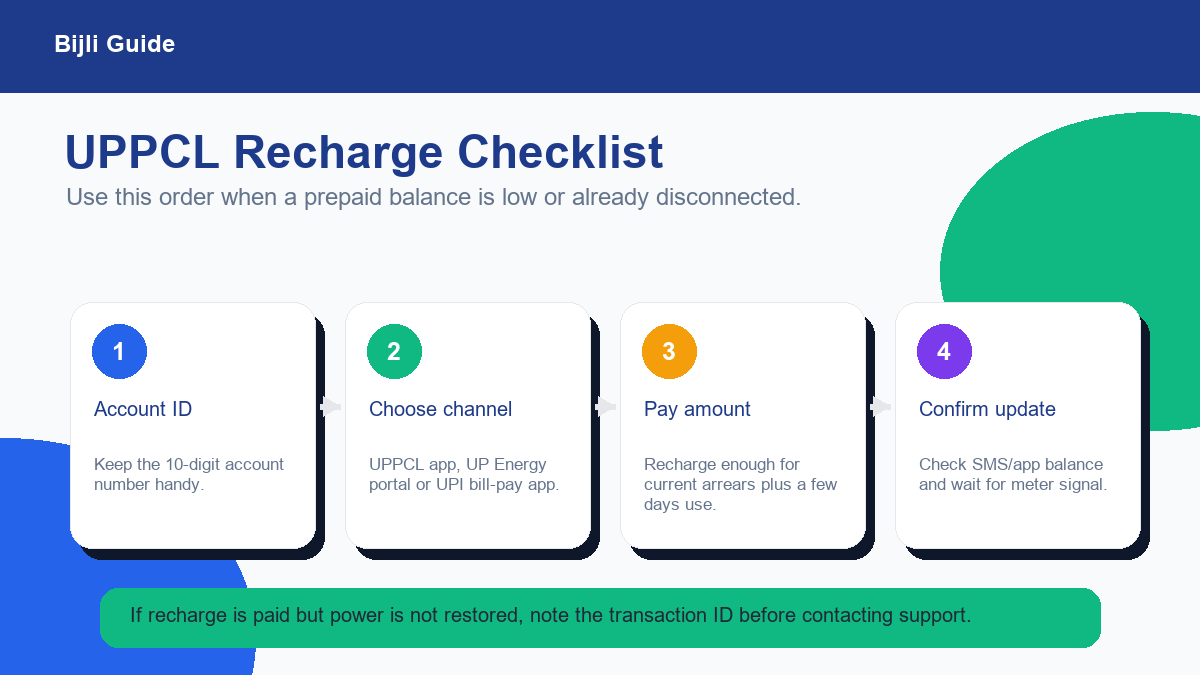
Prepaid meters are convenient, but they are less forgiving than old postpaid bills. If your balance is already negative, recharge enough to clear the negative amount plus at least a few days of expected use.
After payment, wait for the meter update and keep the transaction ID. If the balance updates in the app but supply is not restored, the transaction ID helps the support team trace the payment faster.
Step 1: Find Your Account Number
Before you can recharge, you need your unique Consumer Number (Account ID). For urban areas under UPPCL, this is typically a 10-digit number. You can find this number printed on your old electricity bills or on the SMS alerts sent to your registered mobile number.
Method 1: Recharge via the UPPCL Consumer App (Recommended)
The official app is the best way to manage your meter because it allows you to see your exact daily unit consumption.
- Download the UPPCL Consumer App from the Google Play Store or Apple App Store.
- Register using your 10-digit Account Number and registered mobile number.
- On the dashboard, you will instantly see your Current Balance in rupees.
- Click on Recharge/Pay Bill, enter your desired amount (e.g., ₹1000), and pay via UPI, Credit Card, or Net Banking.
Method 2: Recharge via Paytm or PhonePe
If you don't want to install another app, UPI platforms are incredibly fast:
- Open Paytm, PhonePe, or Google Pay.
- Navigate to Recharges & Bill Payments > Electricity.
- Search for the state Uttar Pradesh and select your board (e.g., PVVNL, MVVNL, DVVNL, or PUVVNL).
- Make sure to select the option that says (Prepaid Meter).
- Enter your 10-digit Account Number. The app will fetch your current negative balance if any. Enter the amount to recharge and pay.
What happens when the balance hits zero?
Unlike postpaid meters, a prepaid smart meter acts like a prepaid mobile SIM. If your balance drops to ₹0, the meter automatically cuts off the electricity supply to your house. Once you recharge online, a signal is sent to the meter, and power is usually restored within 15 to 30 minutes.
Frequently Asked Questions
How can I check my UPPCL smart meter balance?
You can check your balance by logging into the official UPPCL Smart Meter mobile app (UPPCL Consumer App), or by entering your 10-digit account number on the UPPCL online portal.
What happens if my prepaid meter balance reaches zero?
If your balance reaches zero or negative, the smart meter will automatically disconnect your electricity supply. It will be restored within 15 to 30 minutes after you successfully recharge the account.
Can I recharge my UPPCL meter using Paytm or PhonePe?
Yes. You can easily recharge your UPPCL prepaid smart meter using popular UPI apps like Paytm, PhonePe, and Google Pay by navigating to the 'Electricity' section and selecting UPPCL (Prepaid).