Desktop vs Laptop Electricity Consumption (Work From Home Cost)
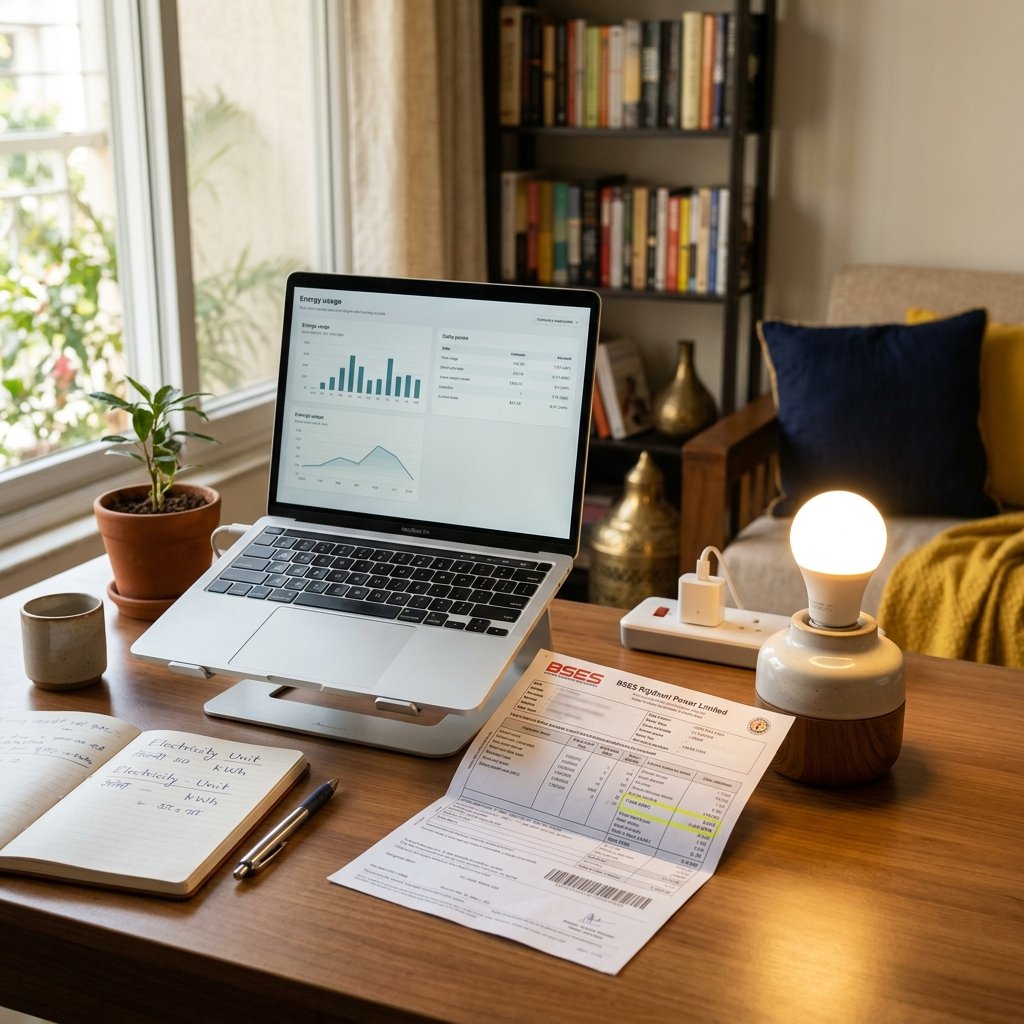
With the permanent shift to Work From Home (WFH) and hybrid models, Indian homes have essentially become 9-to-5 offices. If you are sitting in front of a computer for 8 to 10 hours a day, the type of computer you use makes a massive difference to your monthly electricity bill.
Let's look at the exact power draw of a traditional Desktop PC tower versus a modern Laptop.
Quick Answer
A standard Desktop PC (with monitor) consumes about 120 Watts, which adds up to roughly ₹250 per month for an 8-hour workday. A standard Laptop is highly optimized for battery life and consumes only 45 Watts, costing roughly ₹90 per month. Desktops consume nearly 3x more electricity than laptops.
Power Consumption Breakdown
Laptops are engineered entirely around battery efficiency. Their processors are "mobile" variants designed to sip power. Desktops, on the other hand, prioritize raw performance and cooling, drawing significantly more power directly from the wall socket.
| Computer Type | Average Active Wattage | Units Consumed (8 hours/day for 22 days) |
|---|---|---|
| Office Desktop + 24" Monitor | 120W - 150W | ~23 Units |
| Gaming Desktop (Under Load) | 400W - 600W | ~80 Units |
| Standard Work Laptop (14") | 45W - 65W | ~9 Units |
What about Gaming PCs?
If you or your children use a high-end gaming PC with a dedicated graphics card (like an NVIDIA RTX series), the electricity consumption skyrockets. A gaming PC running a modern game can easily draw 500 Watts.
Running a gaming PC for just 4 hours a day consumes 2 units of electricity. Over a month, that is 60 units, adding roughly ₹500 to ₹600 to your electricity bill just for one computer!
How to Reduce Your WFH Electricity Bill
- Use Sleep Mode: Don't leave your desktop running when you go for a 1-hour lunch break. Configure Windows/Mac to enter "Sleep Mode" after 15 minutes of inactivity. In sleep mode, consumption drops to a mere 2 to 5 Watts.
- Dim the Monitor: The backlight of your monitor (or laptop screen) is a major power draw. Reducing brightness from 100% to 60% can cut the screen's power consumption by almost 30%.
- Unplug Peripherals: External hard drives, powered speakers, and RGB lighting keyboards constantly draw small amounts of USB power, even when the PC is off.
Frequently Asked Questions
How much electricity does a Desktop PC consume?
A standard office desktop with a 24-inch monitor consumes between 100 to 150 Watts. A high-end gaming PC can easily consume 400 to 600 Watts under heavy load.
How much electricity does a Laptop consume?
A standard work laptop is incredibly efficient, consuming only 30 to 65 Watts when plugged in and actively charging. Once fully charged, it may only draw 15 to 25 Watts to maintain operation.
Does keeping my laptop plugged in 24/7 increase my bill?
Once a laptop hits 100% battery, it bypasses the battery and draws just enough power to run the internal components (approx 15-20W). It costs very little, roughly ₹30 a month if left on.
Why does a Desktop consume so much more power?
Desktops use large, inefficient power supplies, desktop-grade CPUs that prioritize speed over power-saving, dedicated high-power graphics cards, and a separate monitor that has its own independent power supply.
Calculate Your WFH Setup Cost
Input your computer's wattage and your daily work hours into our Appliance Cost Calculator to see exactly how much your home office costs to run.
Use the Appliance Cost Calculator