The Hard Truth: Why Samsung & LG TVs Cannot Install APKs
An APK (Android Package Kit) file requires the Google Android Runtime (ART / Dalvik virtual machine) to execute. Samsung Smart TVs run Tizen OS and LG Smart TVs run webOS. Neither of these operating systems has Android code libraries. Anyone telling you to "force install an APK on Samsung Tizen" via a USB flash drive is providing dangerous or fake advice.
3 Proven Ways to Watch NetMirror on Samsung & LG TVs
While you cannot run the APK file natively on Tizen or webOS, you can easily stream NetMirror in pristine 4K using these three verified methods:
Wireless Screen Casting (100% Free & Instant)
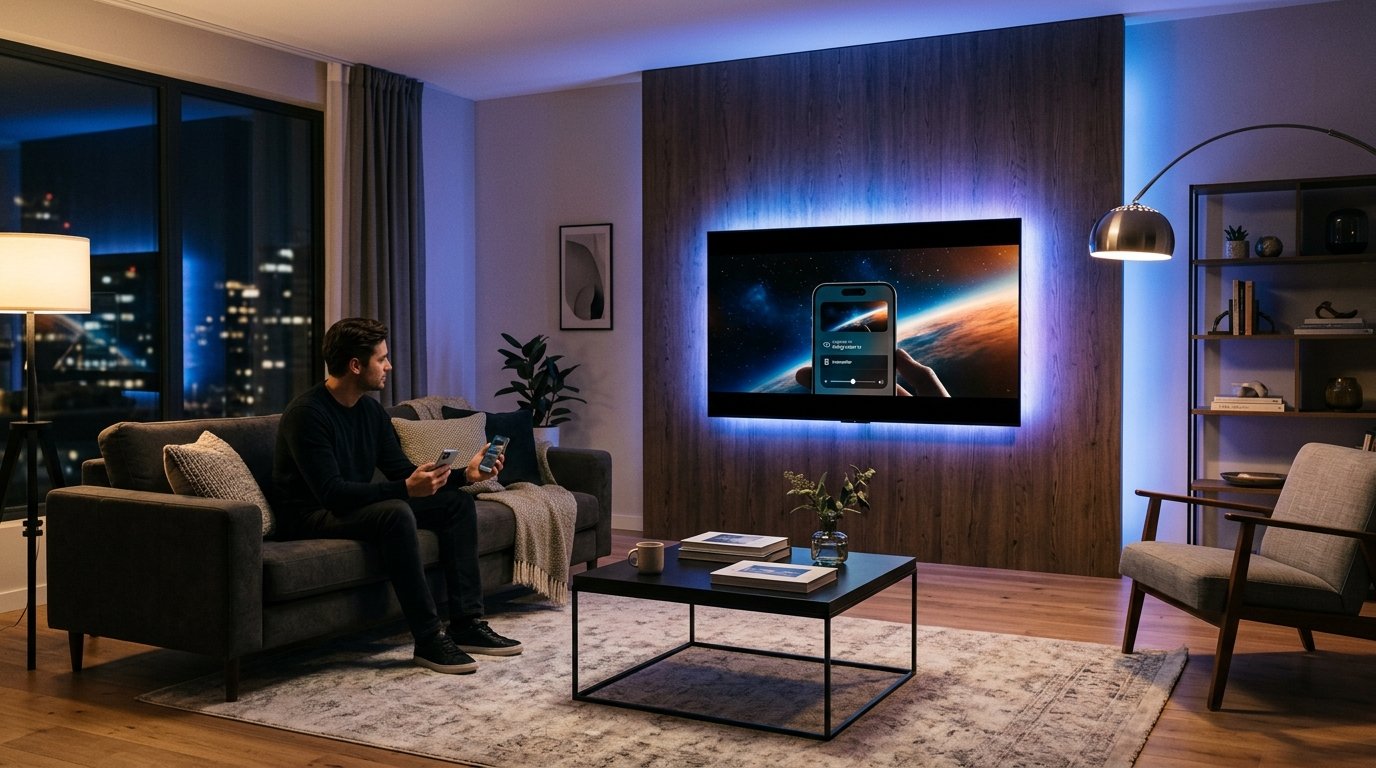
Both Samsung and LG Smart TVs feature built-in screen mirroring protocols. You can run NetMirror on your Android phone, tablet, or laptop and beam the video signal wirelessly:
- Make sure phone and TV are on the same Wi-Fi network.
- Swipe down on your Samsung phone → tap Smart View.
- Select your Samsung TV from the list → tap Start Now.
- Launch NetMirror on your phone; video fills the TV screen automatically.
- Ensure TV and mobile device share the same Wi-Fi.
- Swipe down Quick Settings → tap Cast or Screen Share.
- Select your LG webOS TV (or use LG ThinQ app).
- For iPhone / iPad, select AirPlay from the video player controls.
Use a $25 FireStick or Android TV Box (Best Performance)
If you want a dedicated television experience with physical D-pad remote control, zero phone battery drain, and native 4K HDR 60fps playback, an HDMI streaming stick is the ultimate solution:
- Plug an Amazon Fire TV Stick 4K, Chromecast with Google TV, or Xiaomi Mi Box into an empty HDMI port on your Samsung or LG TV.
- Follow our FireStick Downloader Code Guide to install NetMirror in 2 minutes.
- Your TV remote's HDMI-CEC feature can even control the FireStick directly using your existing Samsung or LG remote control!
Use the Built-In TV Web Browser
Both Samsung Tizen and LG webOS include built-in HTML5 web browsers (Samsung Internet and WebOS Web Browser):
- Open the Internet app on your Samsung or LG TV home dashboard.
- Enter the official web streaming portal address.
- Click into fullscreen mode using your remote pointer.
- Note: While functional, TV browsers have limited RAM and may occasionally encounter buffering compared to native streaming sticks.
Smart TV Methods Comparison
Get NetMirror APK for Your Android Device
Ready to cast to your TV or install on an Android TV / FireStick streaming stick? Download the latest verified package now:
Download Official APK (v6.2.0)