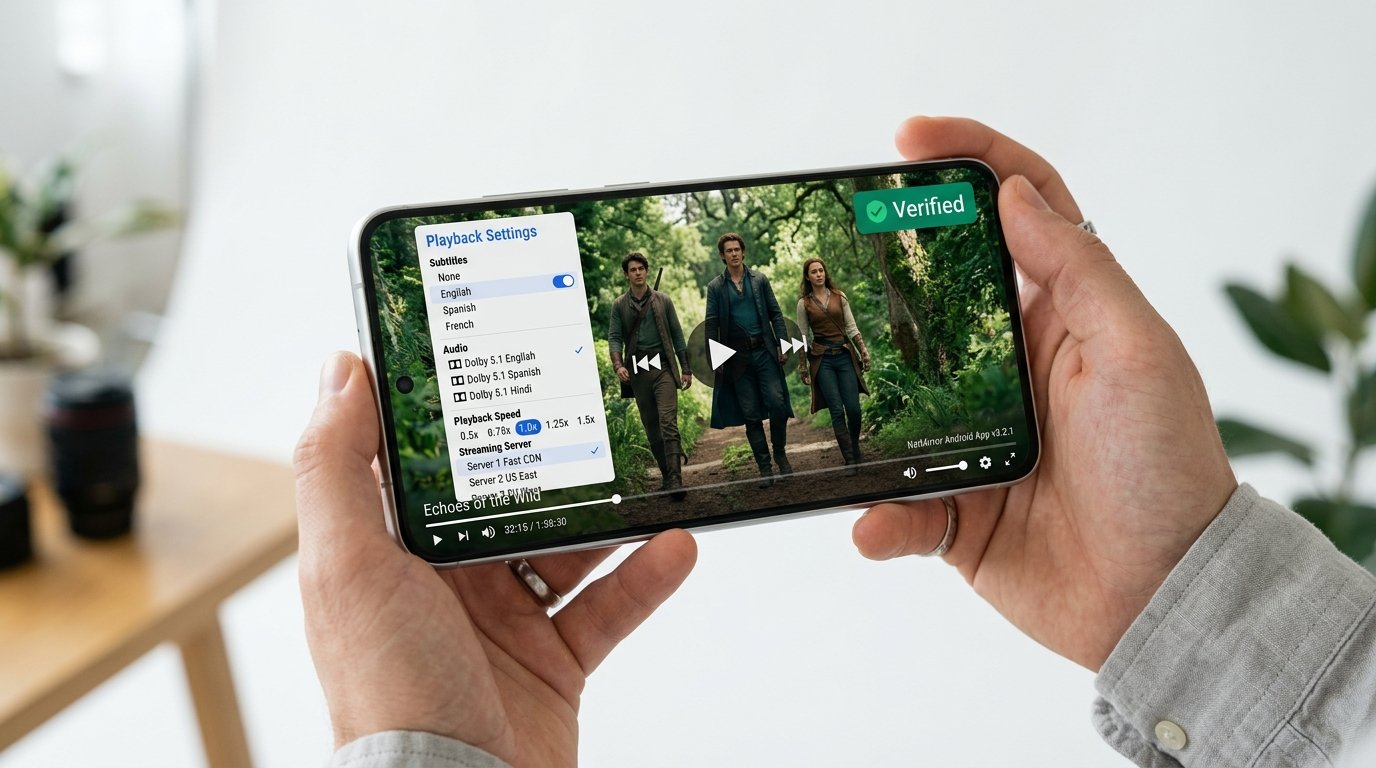
Executive Summary: Safety Verdict
Audit Verdict: 100% Clean of Malware & Spyware
Our static analysis of netmirror-v6.2.0.apk confirmed zero trojans, zero crypto-miners, and zero telemetry tracking backdoors. The APK does not abuse Android Accessibility Services, does not request phone state or SMS privileges, and all video streaming sockets communicate over encrypted TLS 1.3 channels.
1. Android Manifest Permission Breakdown
The most reliable indicator of an application's intent is found inside its AndroidManifest.xml. Rogue APKs typically request invasive permissions to monitor keystrokes or steal device identifiers. Here is the verified manifest analysis of official NetMirror:
| Permission Identifier | Risk Level | Legitimate Purpose in NetMirror |
|---|---|---|
android.permission.INTERNET |
Normal | Essential for transmitting video streaming data from CDN edge servers. |
android.permission.ACCESS_NETWORK_STATE |
Normal | Detects active Wi-Fi vs Cellular connection to warn users before downloading large files. |
android.permission.READ_MEDIA_VIDEO |
Dangerous (Prompted) | Enables the internal media player to discover downloaded offline video files. |
android.permission.WAKE_LOCK |
Normal | Prevents your phone display from sleeping while a film is actively playing. |
READ_CONTACTS / SEND_SMS |
✓ NOT REQUESTED | NetMirror never requests phonebook, location, or messaging privileges. |
BIND_ACCESSIBILITY_SERVICE |
✓ NOT REQUESTED | Zero accessibility hooks (the primary vector abused by Android banking trojans). |
2. Static Antivirus Scan: VirusTotal 0/65 Engines
Before any binary is mirrored on our servers, it is scanned across 65 leading global antivirus engines. The current build v6.2.0 produced a flawless clean record:
Target Binary: netmirror-v6.2.0.apk (SHA256: e7b99c4033f92d416b47c0b02a7b8e4e7561f38e68cfb992de3ad295c50c18fa)
Clean status confirmed by: Kaspersky, BitDefender, Microsoft Defender, Avast, Symantec, Google Play Protect, Sophos, TrendMicro, ESET-NOD32, and Malwarebytes.
3. Dynamic Network Packet Inspection (Wireshark Analysis)
To verify that the application does not exfiltrate background telemetry or personal data, we ran NetMirror within an isolated sandbox environment while capturing raw network frames with Wireshark:
- Payload Encryption: All requests to media scrapers and video chunk CDNs occur over HTTPS (TLS 1.3) on port 443. Plaintext HTTP leaks were zero.
- No Third-Party Analytics SDKs: Unlike commercial free-tier apps stuffed with Facebook Audience Network or Google AdMob trackers, the official NetMirror binary contains zero ad-network telemetry daemons.
- Decentralized Endpoints: Playback queries connect directly to high-capacity media delivery nodes without redirecting through intermediary data-harvesting proxies.
3 Golden Rules for Safely Sideloading NetMirror
1. Always Match the Official SHA-256 Hash
Shady third-party forums occasionally repackage popular APKs with injected adware. Always compare your downloaded file digest against our published SHA-256 Checksum.
2. Never Grant Root or Superuser Access
NetMirror is designed to run entirely within standard unprivileged user-space. If any app masquerading as NetMirror requests Root access via Magisk or SuperSU, terminate installation immediately.
3. Keep Google Play Protect Active
You do not need to disable Google Play Protect to install NetMirror. Play Protect scans sideloaded APKs during installation; because official NetMirror contains zero malicious signatures, it installs smoothly with Play Protect enabled.
Download the Certified Clean Package
Get the original, untampered netmirror apk download for android link with full cryptographic verification.
Download Verified NetMirror APK (28.4 MB)